A Rewards Portal Your Customers Will Actually Use
One place where customers redeem rewards, track their VIP progress, share referral links, and engage with your brand. It ties your entire loyalty program together and keeps customers coming back to interact with you.
How it works
Your loyalty program, fully branded to your business, without building anything yourself.

Customer claims their reward
After purchasing, they click the claim link in their branded email.
They enter their portal
A branded hub where they manage everything related to your loyalty program.
They redeem or withdraw
Redeem for multiplied store credit or withdraw Bitcoin to a personal wallet.
They come back
Redemptions generate discount codes that bring them back to your store.
Everything in One Place
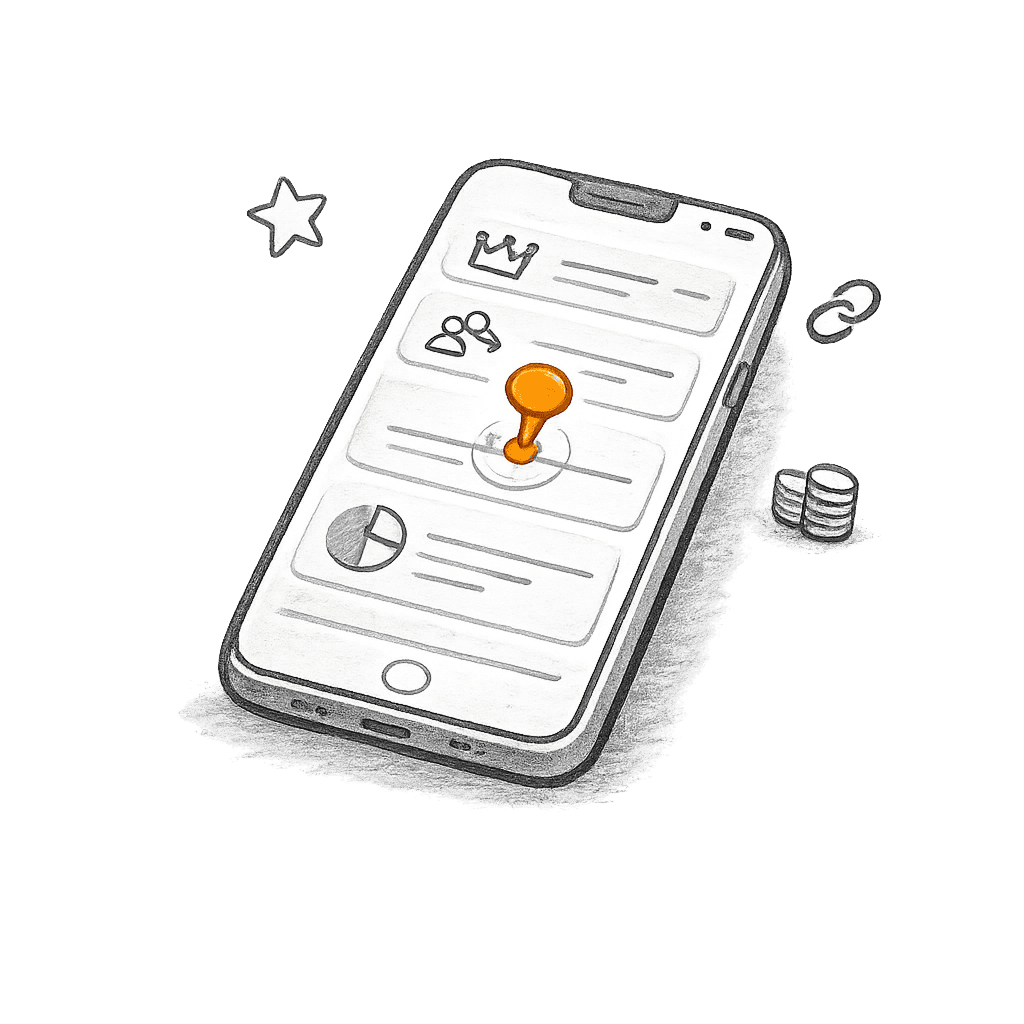
Rewards balance, VIP tier progress, referral links, social engagement, and redemption options. Customers manage their entire loyalty experience from a single portal.
No App Required
The portal is a web experience that works on any device. Customers access it from their reward email with no download or account creation needed.
Your Brand, Not Ours
Your logo, your messaging, your emails. Customers see your brand throughout the entire rewards experience.
Redemptions That Bring Customers Back
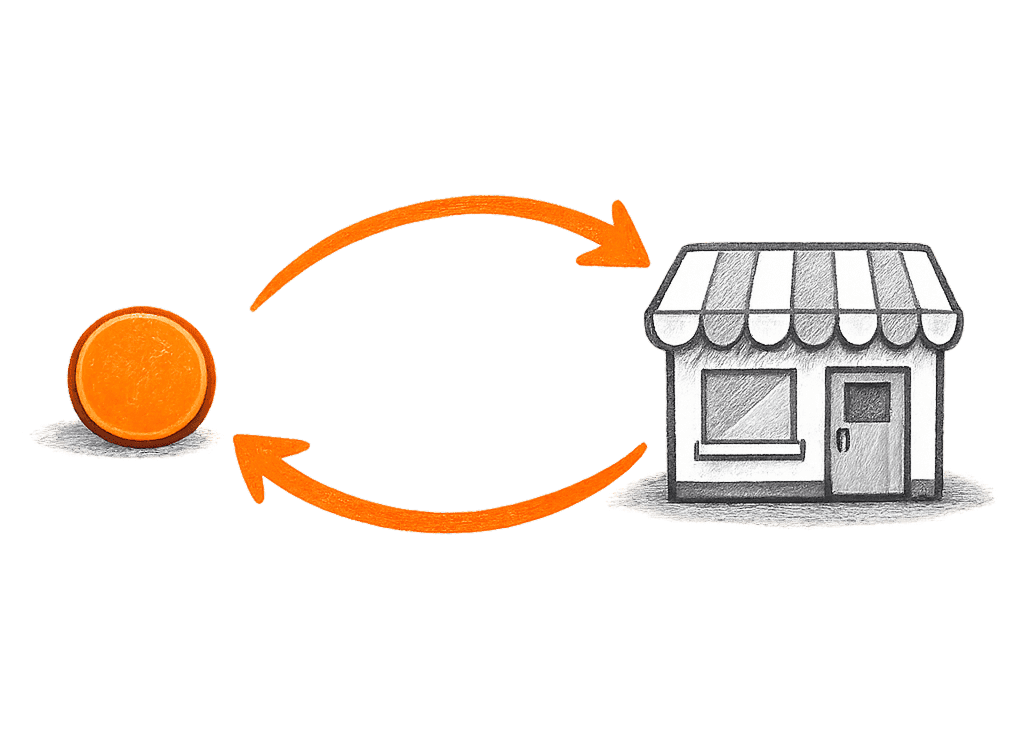
You set a redemption multiplier that makes rewards worth more when spent at your store. A customer who earned $1 in Bitcoin might redeem it for a $5 or $10 coupon, depending on what you set. The multiplier is entirely up to you. Every redemption generates a discount code for your store, which means another purchase.
 You choose the exact multiplier amount
 Redemptions generate discount codes for your store automatically
 Customers see the multiplied value alongside the Bitcoin value
 Redeemed rewards return to your balance, reducing net program cost
Real Ownership With a Withdrawal Option
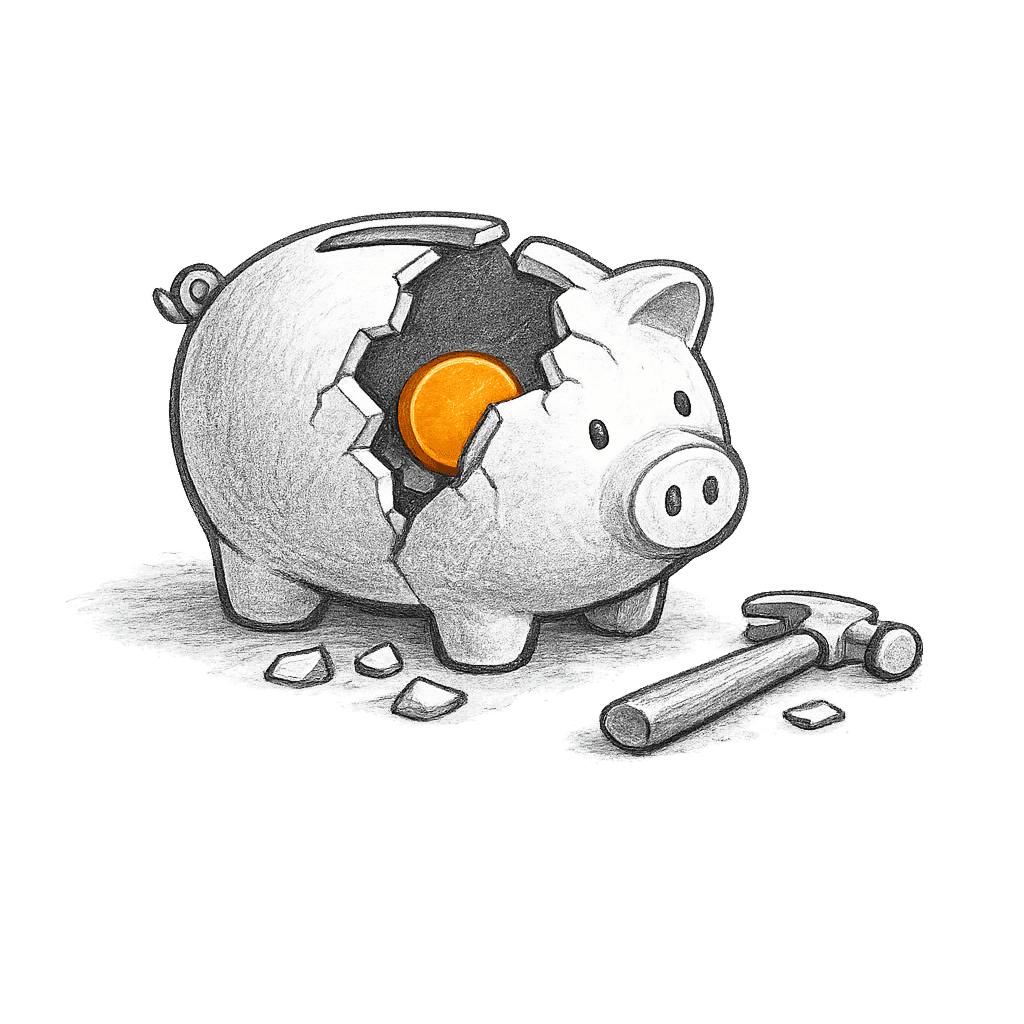
Customers can also withdraw their Bitcoin to a personal wallet after a holding period you configure. The fact that they can withdraw is what makes the rewards feel real. Many still choose to redeem for the multiplied store credit instead, but the option to withdraw builds trust in the program.
 Withdraw to any Lightning-enabled Bitcoin wallet
 You set the holding period length
 Redemption is available immediately, even during the holding period
 The choice between redeeming and withdrawing is what makes the program credible
A Hub Between Purchases
The portal gives customers a reason to interact with your brand even when they are not shopping. They check their balance, watch their VIP tier progress, share their referral link, and complete social engagement opportunities. Each visit reinforces your brand.
 Bitcoin balance shown with real-time dollar value
 VIP tier progress and current reward rate visible on every visit
 Referral link with sharing options
 Social engagement opportunities for bonus rewards
Branded From End to End
The portal carries your logo and messaging. Reward claim emails come from your brand. Customers never feel like they have been handed off to a third party.
 Your logo on the rewards portal
 Custom messaging on the portal and in notification emails
 Branded reward claim emails after each purchase
 Consistent experience from checkout through rewards
Frequently asked questions
Common questions about Rewards Portal.
The portal is a one-stop shop for everything related to your loyalty program. Customers see their rewards balance with a real-time dollar value, redemption options, VIP tier progress, referral and affiliate links, social engagement opportunities, and program details. It gives them a complete picture of their relationship with your brand in one place.
Customers access the portal by clicking the claim link in their reward email after a purchase. There's no app to download and no account to create. They're in the portal and opted into your loyalty program as soon as they click. It works on any device.
Yes. Customers can withdraw their Bitcoin rewards to any Lightning-enabled wallet after the lock-up period you set (30, 60, or 90 days). During that period, they can still redeem rewards at your store immediately. The hold only applies to withdrawals. Most customers choose to redeem because the multiplied value at your store is more compelling than withdrawing.
How to configure the lock-up periodNo. The portal works like any other loyalty program. Customers see a rewards balance, redeem for store credit or discounts, and track their progress. They never need to think about Bitcoin unless they want to. For customers who are into Bitcoin, the ability to withdraw adds excitement. For everyone else, it just works.
You upload your logo, cover image, and choose your brand colors in Business Settings. These carry through to the rewards portal, claim emails, and all customer-facing touchpoints. Customers see your brand throughout the entire experience. It never feels like a third-party tool.
How to set up your brandingNo. The portal is fully hosted and works out of the box as soon as you set up your rewards program. There's nothing to build, embed, or maintain. You configure your branding and program settings in the dashboard, and your customers get a polished portal automatically.
The portal automatically reflects whatever programs you've activated. If you turn on VIP tiers, customers see their tier progress. If you enable referrals, they see their referral link. Social engagement, redemption options, and affiliate program details all appear in the portal based on your configuration. You don't have to manage the portal separately.
How to manage your rewards settingsWe're always open to hearing what would make the portal work better for your business. If there's a specific feature or customization you'd like to see, reach out to our team and we'll work with you to see what we can do.

Give your customers a rewards experience they love
Start free, upgrade anytime. See your branded portal in action.