VIP Tiers That Turn Shoppers Into Repeat Buyers
Give customers a reason to consolidate their spending with you instead of splitting it across competitors. Reward rates increase as they level up, so your best customers always get the best deal.
How it works
Give customers a reason to consolidate spending with you instead of your competitors.

Define your tiers
Set tier names, spending thresholds, and reward percentages.

Customers shop normally
Their cumulative spending is tracked automatically.

They level up
When a threshold is crossed, they advance and earn higher rates.

Higher rewards drive loyalty
Top-tier customers earn premium rates and keep coming back.
Gamified Progression
Customers see their tier, their progress bar, and exactly how much more they need to spend to unlock the next level. This visibility drives consolidation of spending at your store.
Automatic Advancement
No manual tier management. As customers hit cumulative spending thresholds, they automatically advance and start earning at the higher rate.
Customizable Thresholds
Set the spending thresholds, tier names, and reward percentages that make sense for your business. Most merchants use 3 to 5 tiers.
Another Reason to Choose You Over Competitors
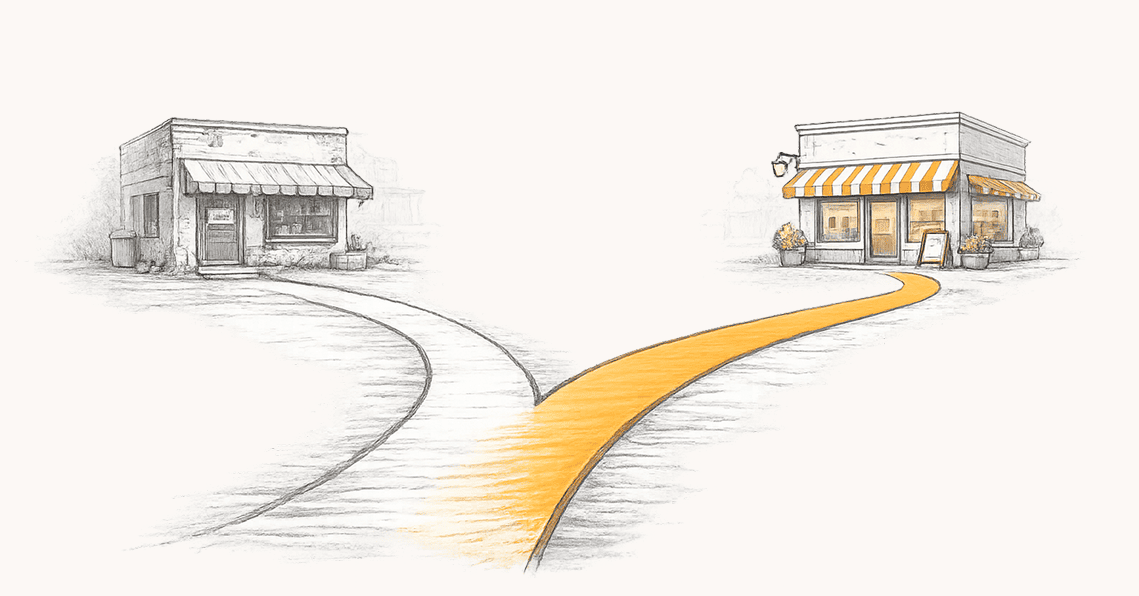
Most customers split purchases across stores because nothing stops them. VIP tiers change that. When a customer is halfway to a better reward rate, they choose you over a competitor. Every dollar already spent makes the next purchase more valuable.
 Cumulative lifetime spending tracked automatically across all channels
 Automatic advancement when a customer crosses a threshold
 Higher reward rates at each tier
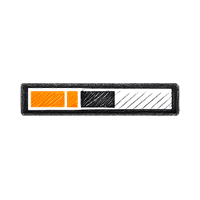 Customers see their progress and what it takes to reach the next level
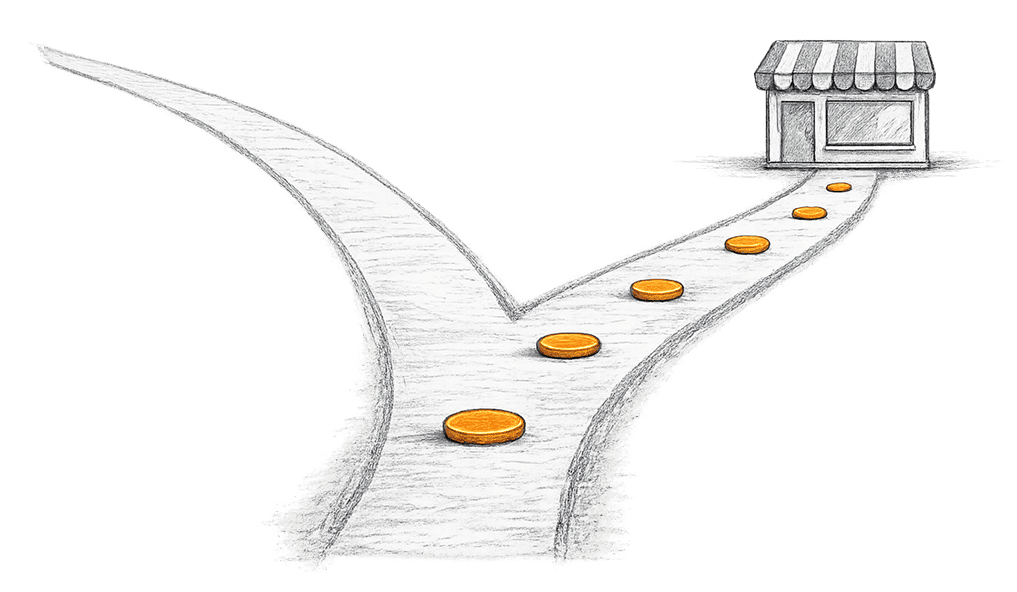
Invest More in Your Best Customers, Less on Everyone Else
A flat reward rate treats a one-time buyer the same as your most loyal customer. Tiers fix that. Your base rate stays low for casual shoppers. Your best customers earn premium rates because they have earned them.
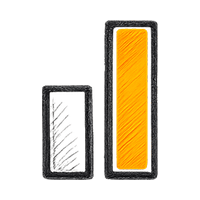 Low base rate for casual shoppers, premium rates for top spenders
 You set the exact reward percentage for each tier
 Adjust rates anytime from your dashboard
 Tiers naturally segment your customer base by spending behavior

Progress Customers Can Actually See
A tier system customers cannot see does not change behavior. Oshi shows them their tier, reward rate, and a progress bar on every visit. When they advance, they get a branded email. Visibility is the whole point.
 Progress bar and tier status in the rewards portal and Oshi app
 Branded advancement emails when they reach a new tier
 Current reward rate always visible
 Dollar amount remaining to the next level shown on every visit

Built to Fit Your Business
Name the tiers, set the thresholds, choose the reward percentage for each level. Most merchants use three to five tiers. Everything works across all connected sales channels and you can adjust it anytime.
 Custom tier names like Gold, Diamond, VIP, or whatever fits your brand
 Works across Shopify, WooCommerce, Square, and more
 Tier rates stack with Bitcoin payment bonuses
 Create as many tiers as you need
Frequently asked questions
Common questions about VIP Tiers.
You create spending-based tiers with names, cumulative spend thresholds, and reward percentages. As customers spend more with your business over time, they automatically advance to higher tiers and earn better reward rates. Customers see their current tier, reward rate, and progress toward the next level, giving them a tangible reason to keep shopping with you.
How to set up VIP tiersYes. When VIP tiers are active, the entry-level tier becomes your base rate. Customers in higher tiers earn at that tier's percentage instead. For example, if your entry tier is 1% and a customer reaches your Silver tier at 2%, they earn 2%, not 3%. This gives you precise control over what each segment of customers earns.
Customers see their current tier, reward percentage, and a progress bar in your branded rewards portal. Every purchase reward email also shows their tier status and how much more they need to spend to reach the next level. This visibility is what drives the behavior. When a customer can see they're halfway to a better rate, they're much more likely to choose you over a competitor.
Most businesses use 3 to 5 tiers. Too few don't create enough progression to motivate customers. Too many make advancement feel out of reach. A common structure is an entry tier that's easy to reach, a middle tier for regular shoppers, and a top tier reserved for your most loyal customers.
Start conservative at the entry level and increase meaningfully at each tier. For example, 1% at entry, 1.5% at the second tier, 2% at the third, and 3% or higher for your top tier. Your best customers are your most valuable, and investing more in them pays for itself through higher purchase frequency and larger orders.
You can name your tiers anything you want, or use our AI assistant to generate suggestions. Describe your business, enter your average purchase value, profit margins, and purchase frequency, and we'll suggest tier names, spend thresholds, and reward percentages tailored to your business. The AI offers multiple naming themes to match your brand, from classic names like Gold and Platinum to more creative and industry-specific options.
How to generate tiers with AIThresholds are based on cumulative lifetime spending, not individual orders. Once a customer's total spend crosses a threshold, they automatically advance to the next tier and start earning at the higher rate. You set the thresholds. For example, $0 for entry, $250 for the second tier, $500 for the third, and so on.
Yes. VIP tiers and redemption offers work together. Customers earn at their tier's reward rate, and when they redeem those rewards at your store, they still get the multiplied value from your effective discount rate. The two features complement each other. Tiers drive repeat purchases, and redemptions keep those customers coming back.
How to set up ways to redeemYes. You can edit tier names, spend thresholds, and reward percentages anytime from your dashboard. You can also add new tiers or remove existing ones. Changes take effect immediately for future purchases.

Reward your best customers like VIPs
Start free, upgrade anytime. Set up VIP tiers in minutes.