Bitcoin Purchase Rewards That Keep Customers Coming Back
Customers earn Bitcoin on every purchase. Unlike points that expire or go ignored, Bitcoin is something people actually want — so they pay attention, come back, and spend more.
How it works
Up and running in minutes. No developer, no complicated setup.
Set your reward rate
Choose a percentage (e.g., 1% back) in your merchant dashboard.

Customer makes a purchase
Bitcoin reward is calculated automatically on the order total.

Customer claims rewards
They receive a branded email and claim in the rewards portal.

Redeem or withdraw
Customers redeem for multiplied store credit or withdraw Bitcoin.
Set It and Forget It
Choose a reward percentage and the rest runs automatically. Rewards are calculated after each purchase and administered through the platform.
Rewards That Appreciate
Unlike points that lose value, Bitcoin rewards tend to increase in value over time. Customers have a genuine reason to stay engaged.
Measurable ROI
Track repeat purchase rates, customer lifetime value, and reward program ROI from your merchant dashboard.
Automatic Rewards on Every Transaction
Once you set your reward percentage, there is nothing left for you to manage. Every qualifying purchase triggers a reward automatically. No coupon creation, no point tracking, no manual approvals. Rewards are calculated on the post-discount, pre-tax order total so you only pay rewards on what the customer actually spent.
 Customers receive a branded claim email after each purchase, creating a built-in re-engagement touchpoint
 Refunds are handled automatically and the corresponding reward is deducted if an order is returned
 Change your reward rate anytime and it takes effect on the next purchase immediately
 Works alongside existing discounts and promotions without conflict
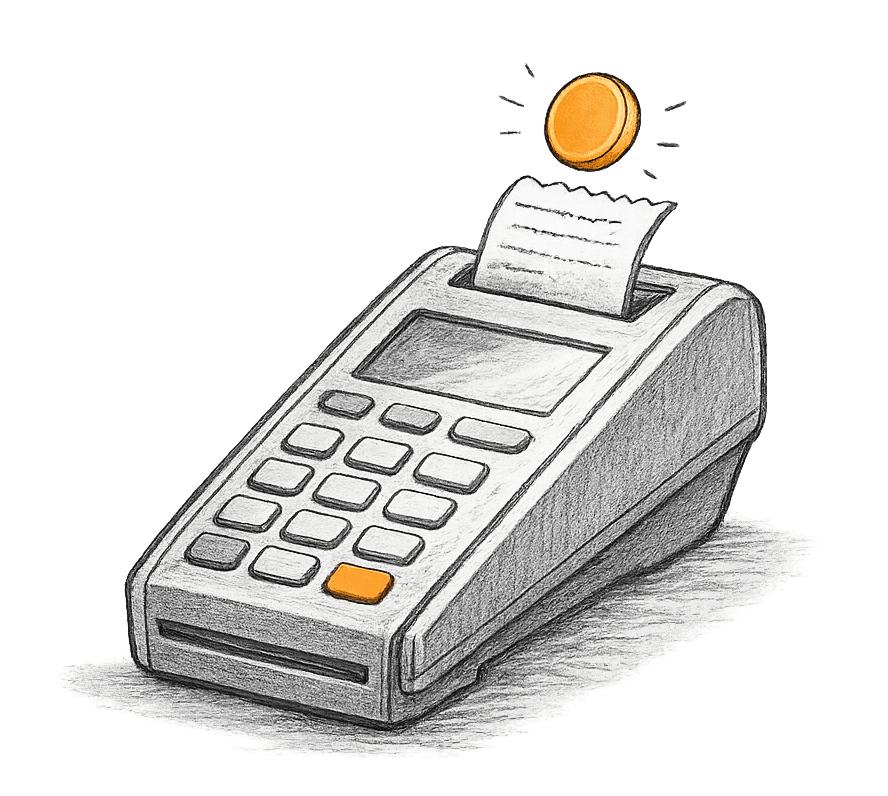
Customers Redeem Rewards at Your Store
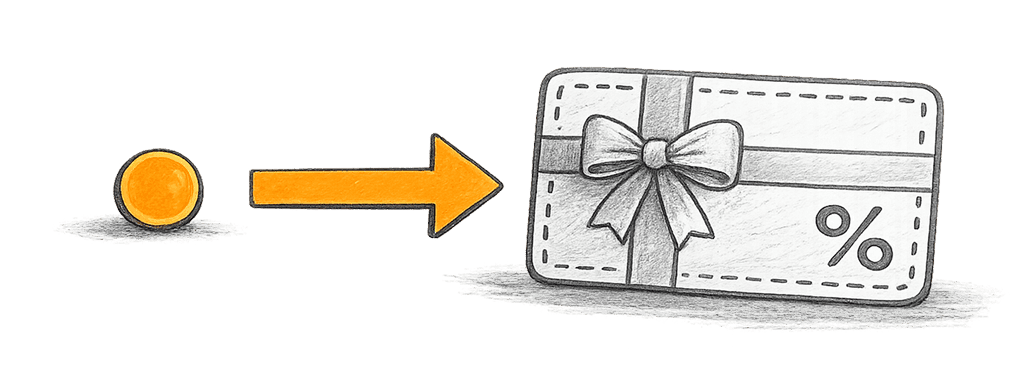
Customers redeem rewards as store credit, discount codes, or gift cards. You set a multiplier so 1% back can go 3x, 5x, or 10x further when they spend it at your store. Small reward, big reason to come back.
 You control the multiplier rate and minimum redemption threshold
 Customers redeem effortlessly through the rewards portal
 Every redemption drives another visit to your store
Run Promotional Reward Boosts
Create time-limited reward boosts for product launches, seasonal events, or slow periods. Double or triple the reward rate for a set duration to drive traffic and engagement when you need it most.
 Schedule reward boosts for specific date ranges
 Stack boosts on top of your base reward rate
 Promote boosts through your existing marketing channels
 Track boost performance in your analytics dashboard

Bitcoin Payment Bonus
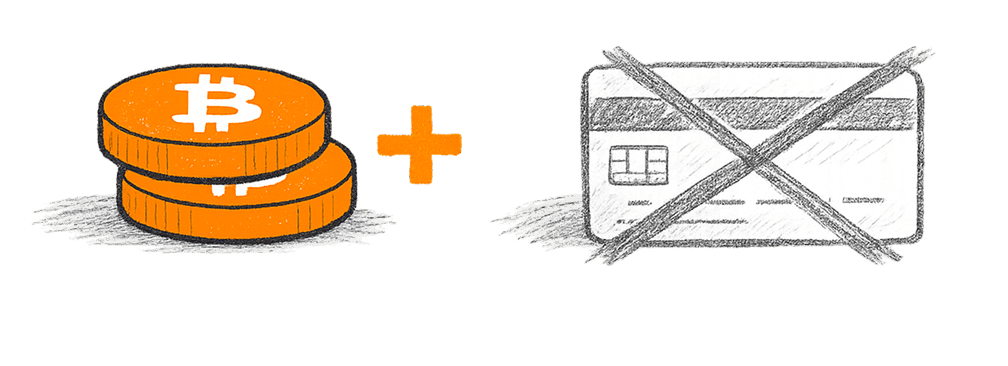
Offer an additional bonus on top of your standard purchase reward rate when customers pay with Bitcoin. You save on credit card processing fees, they earn extra sats.
 Reduce your credit card processing costs
 Attract Bitcoin-native customers who prefer paying with sats
 Applied automatically when a Bitcoin payment is detected
Frequently asked questions
Common questions about Purchase Rewards.
Customers earn a percentage back on their purchase total, minus any discounts and taxes. You set the rate. We recommend 1% to 5% for most businesses. You can also set custom amounts like 1.5% or 2.75%. Rewards are issued in sats based on your chosen percentage.
Sats are short for satoshis, the smallest unit of Bitcoin. There are 100 million sats in one Bitcoin. When customers earn rewards, they receive sats. They don't need to understand Bitcoin to use them. Sats work just like points and can be redeemed for store credit.
After a purchase, the customer receives an email or text with a button to claim their rewards. Clicking it takes them to your branded rewards portal. On Shopify, customers can also claim directly from the thank you page or order status page. They have 30 days to claim, with automatic reminders sent at 15 and 30 days.
How to set up purchase rewardsWe need the customer's email or phone number to send rewards. If they don't provide one, rewards won't be issued automatically. On Shopify, checkout extensions on the thank you page and order status page give customers an additional opportunity to claim even if they skipped the opt-in. If a customer reaches out asking about their rewards, you can pay them out retroactively from the dashboard in a couple of clicks.
How to add the Shopify thank you page extensionUnclaimed rewards are automatically recycled back into your rewards balance after 30 days. You're never charged for rewards that go unclaimed.
Rewards are automatically clawed back from the customer's balance and returned to yours, including for partial refunds. This is fully automated; you don't need to do anything.
Understanding reward clawbacksRewards are deducted from your pre-funded rewards balance in real time as they're issued. If your balance runs out, rewards go into an unpaid queue. You can pay them out once you reload your balance.
How to fund your rewards balanceNo. Once you set your reward percentage, the program runs itself. Rewards are issued and claimed automatically. You can set up auto recharge so your rewards balance replenishes whenever it gets low. It's a set-it-and-forget-it program that increases customer retention and acquisition without ongoing work.
How to set up auto rechargeOshi sends branded reward claim emails on your behalf using your business name and logo. If you'd prefer to send emails through your own provider like Klaviyo, Omnisend, or SendGrid, you can do that too and fully customize the messaging, design, and timing.
How to connect KlaviyoNo. For customers who aren't into Bitcoin, the program works exactly like a traditional loyalty program. They earn rewards and redeem them for store credit. Nothing changes for them. For customers who do care about Bitcoin, the rewards become a reason to choose you over competitors.
Learn more
Loyalty Program for Small Business: The Complete Guide (2026)
Enrollment doesn't mean engagement. This guide breaks down the types of loyalty programs that work for small businesses, why most programs f...
 •15 min read
Bitcoin Rewards vs Traditional Loyalty Programs: A Merchant's Guide
Traditional points programs are losing their edge. This guide breaks down the practical differences between Bitcoin rewards and traditional...
•11 min readStart rewarding your customers with Bitcoin
Start free, upgrade anytime. You control your reward spend.